
How it works
No bank login, no credentials to hand over: just the file your bank already lets you download.
Export your statement
From your bank's website, as CSV or OFX/QFX. Three months or more gives the best results.
Open it in Leftover
The analysis takes a second and stays on your phone. Importing a month twice never creates duplicates.
Read what's left
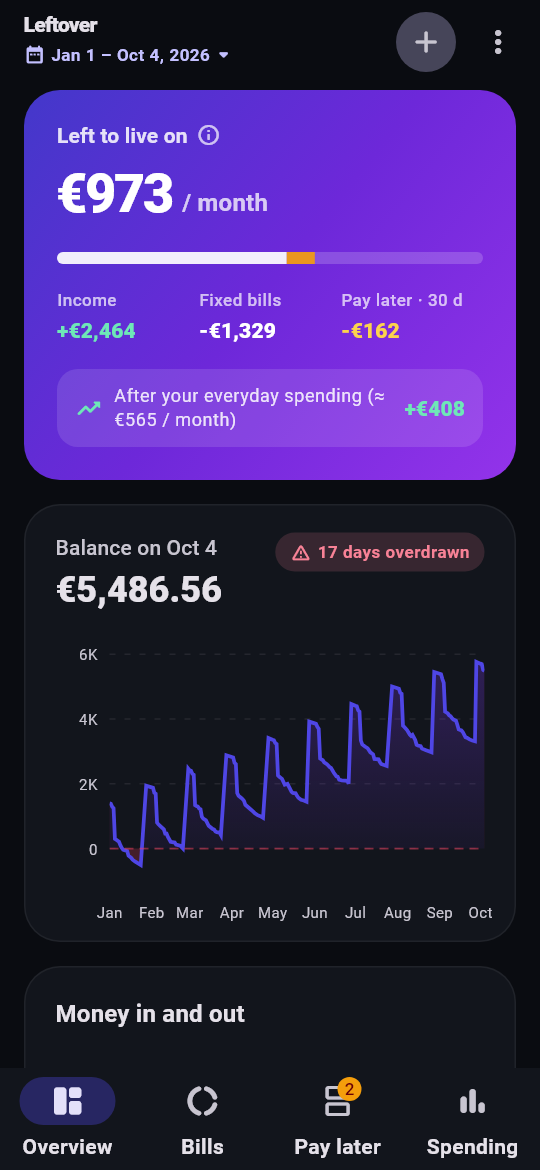
Income − fixed bills − pay-later installments due in the next 30 days. Then what remains after everyday spending.
What Leftover spots for you
Bank statement labels are unreadable. Leftover untangles them.
Fixed bills
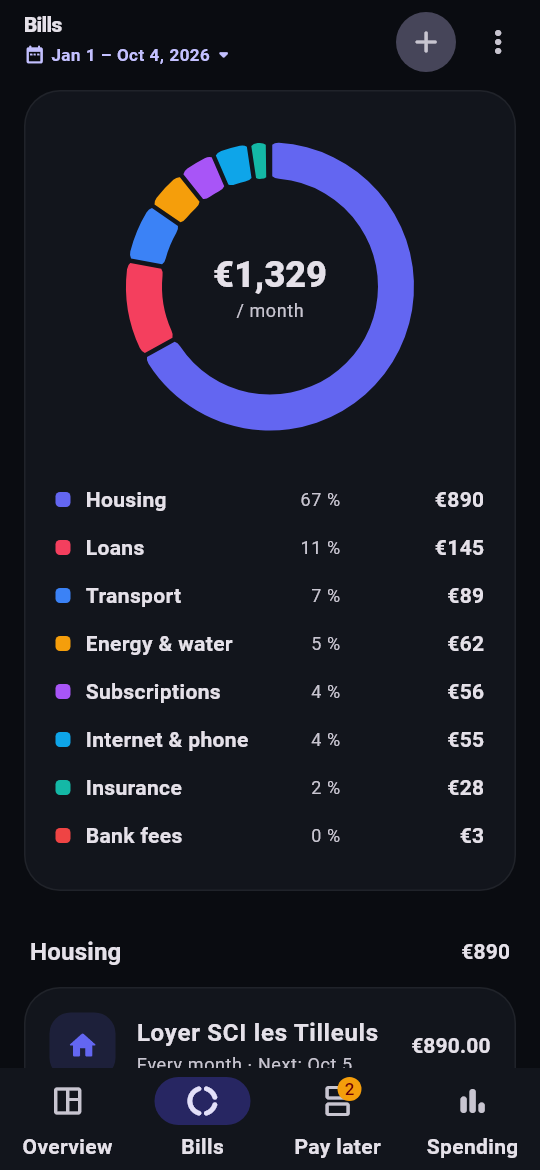
Rent, loans, energy, internet and phone, insurance, subscriptions, transport: how often, how much, and when the next one is due.
Pay-later plans
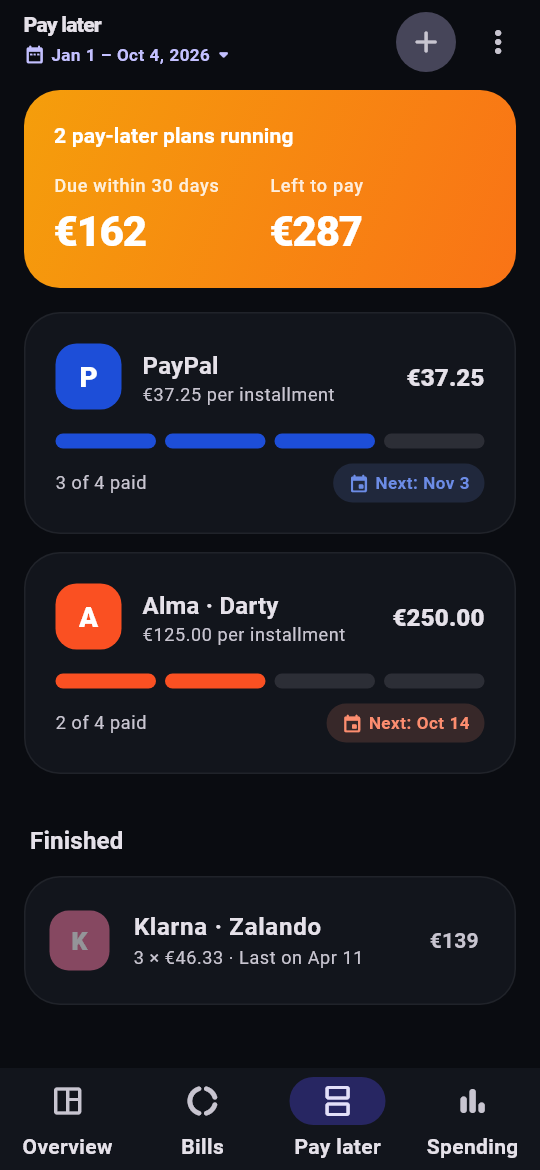
Klarna, Afterpay, Affirm, PayPal Pay in 4, Alma… grouped by purchase, with installments paid and what's still owed.
Balance day by day
Your account's curve, the days spent overdrawn, and the fees and interest you paid over the period.
The next 30 days
Everything about to land: debits, installments, rent. No more surprises on the 5th.
You stay in control
"It's over", "it was 10 installments", "that's not income": one correction and the numbers follow.
Any period you like
Full history, the last 3 months or exact dates: averages and charts adapt.
Your accounts never leave your phone.
"Connected" budgeting apps go through a middleman that reads your accounts on its servers. Leftover does the opposite.
- No bank connection, no credentials asked.
- No Internet access: the permission isn't in the app.
- No account, no e-mail, no sign-up.
- No ads, no trackers, no analytics.
Which banks?
Any bank that lets you export your transactions.
Banking in France? See how to export your statement from LCL, BNP Paribas, Société Générale, Crédit Agricole, BoursoBank and more.
Export not recognized? Email contact@yassine-world.fun with your bank's name (not the file) and I'll add its format.
Questions
Why no automatic sync with my bank?
It requires a licensed aggregator: your transactions go through its servers, you have to reconnect regularly, and every user costs money. Exporting a file once a month takes a minute and keeps everything with you.
Where is my data stored?
Only in the app's storage, on your phone. "Erase my data" in the menu, or uninstalling, removes it.
Is this financial advice?
No. Leftover makes estimates from your statement to help you get organized; it can be wrong, and you can correct everything.
Is it free?
Yes, with no ads and no subscription. If it helps you, a donation keeps it maintained.